Digital Document Signing
LionWheel offers a digital signature solution for delivery-related documents.
Updated
The feature allows you to attach a relevant document to a delivery and have the customer sign it digitally at the time of delivery.
This is ideal for documents such as delivery notes, invoices, or goods received forms.
Attaching a document to a delivery
There are two ways to attach a document in the system:
- Manual: From the delivery page, select and upload a file from your computer.
- Automatic: By installing the LionWheel Virtual Printer and printing the document directly to it.
Signing in the Driver App
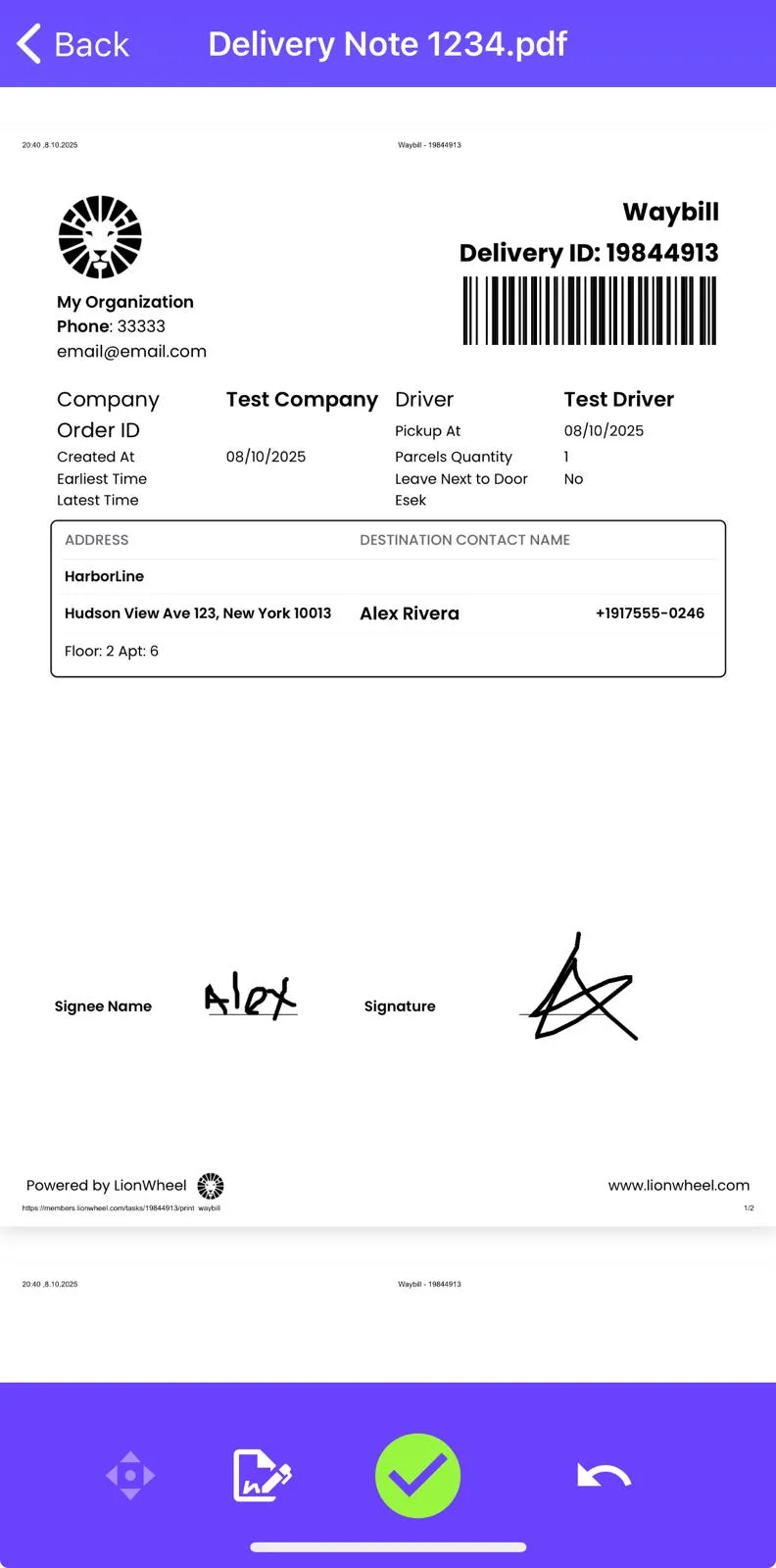
- The driver opens the document in the app and switches to Edit mode.
- In move mode, the driver can zoom in/out and pan to the desired signature area.
- Switch to Draw mode to add a signature and/or handwritten text.
- Tap the ✓ (check) button to save.
Saving and result
The system saves a new file – a copy of the original document with the digital signature applied.
In some integrations, the signed document can also be automatically returned to your ERP system.