- 1. Introduction
- 2. Creating Deliveries
- 3. LionWheel Delivery Management Guide
- 4. Plan Drivers Routes
- 5. Import deliveries from Excel
- 6. Status Descriptions
- 7. Settings
- 8. Edit Geolocation
- 9. Logging in and resetting a password
Edit Geolocation
How to edit your customers' location
Updated
Click on your deliveries tab, then choose a delivery and click on “Expand”.
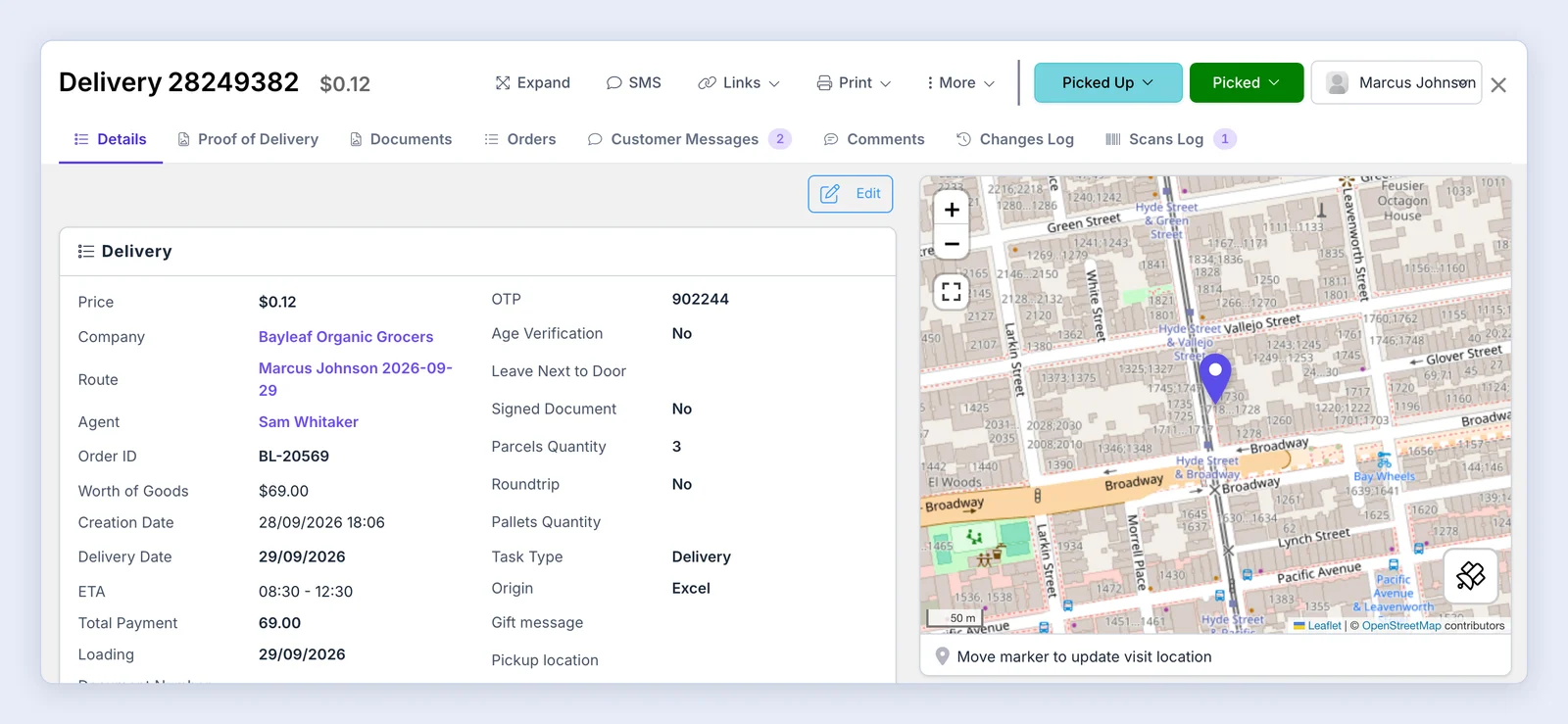
Scroll down to the bottom of the delivery page and click on “Edit geolocation”.

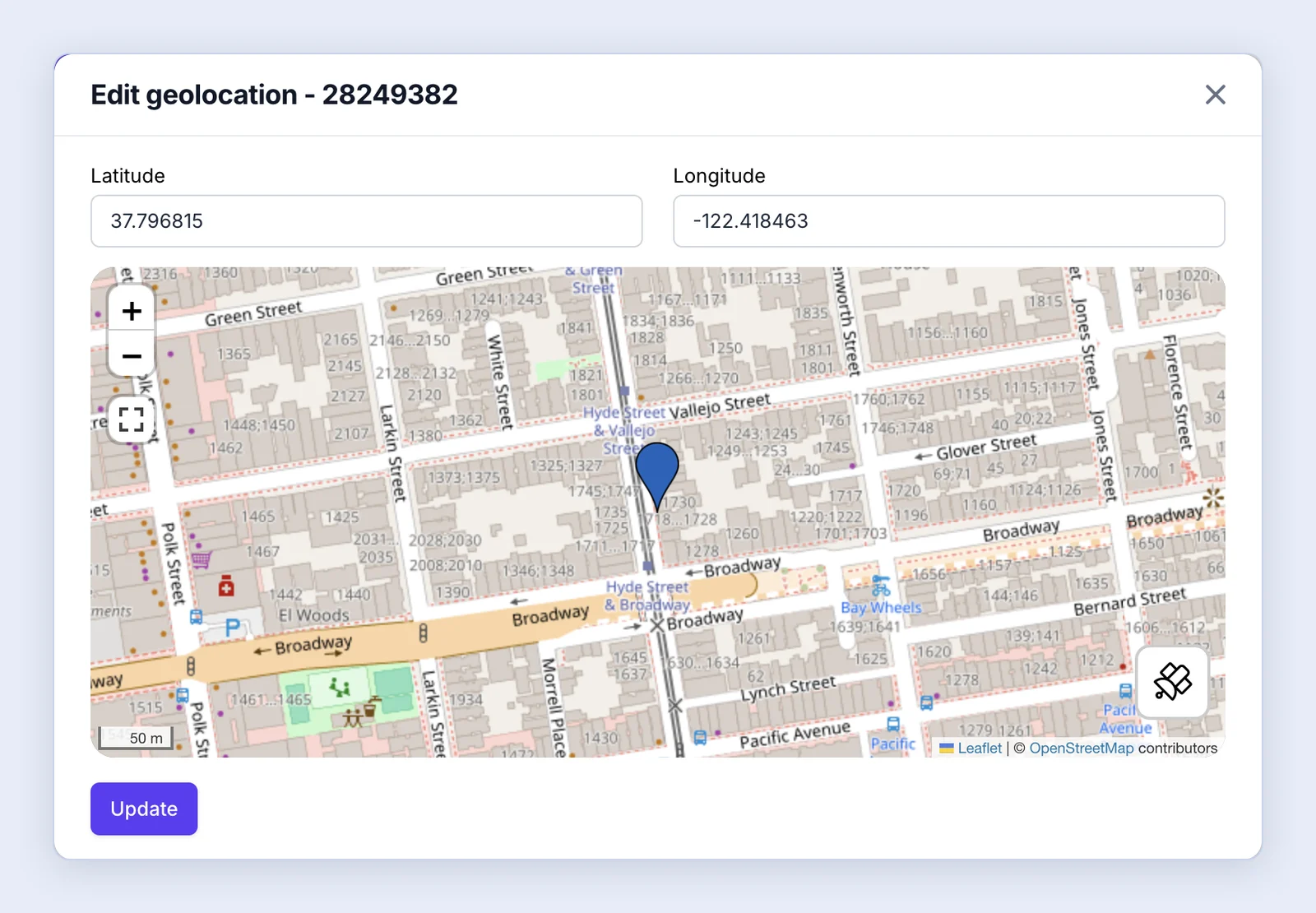
Move the pin to the correct location and click “Update”.
The Lion Tip 🦁
Sometimes a customer’s address is placed at the wrong spot on the map. Move the pin to the exact location so drivers go to the right place.
Note: You can also drag the marker on the map in the delivery panel, as the caption under the map says: “Move marker to update visit location”.